
Setting up a shared account. The following instructions have Office 365 installed. There are a couple items that need to be determined and set up before this can happen.
- Does the department secretary share a calendar with the student secretaries? This is known to be the case in the Center for Languige Studies, Comparitive Arts and Letters, Linguistics, and Spanish & Portugeese. If not, proceed to the second item. If so, the student needs a new email account created for them, this is usually their first name followed by four numbers, i.e. brad1234@byu.edu. The email creation can either be done by the CSR or the department secretary.
- If this new account needs to be set up two emails will be installed. First set up this account in Outlook following the instructions given in Email Setup in Outlook, then follow the instructions below to set up the shared account.
- The shared calender invite is sent to the new email address that is created and not through the shared email address.
- To access a shared email account, access needs to be granted through a Gro Group. This can be done by the CSR at gro.byu.edu. It may take an hour to a day before the student will have access.
- If the student prefers working through a browser they can skip the following steps and go to the link outlook.office.com/owa/department_email@byu.edu. Replacing “department_email” with the email address they will be accessing. After opening the link on the web browser they will be prompted to sign in with a NetID and password and Duo authentication.
In Outlook enter the email address they would like to connect to, i.e. the department email address.
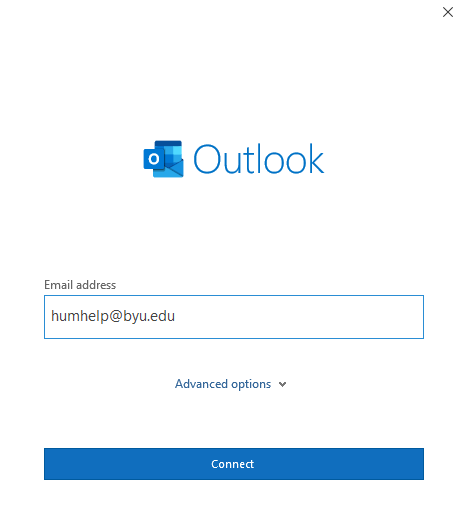
Select either Office 365 or Exchange.

Don’t type in a password! Select “Sign on with an other account”.

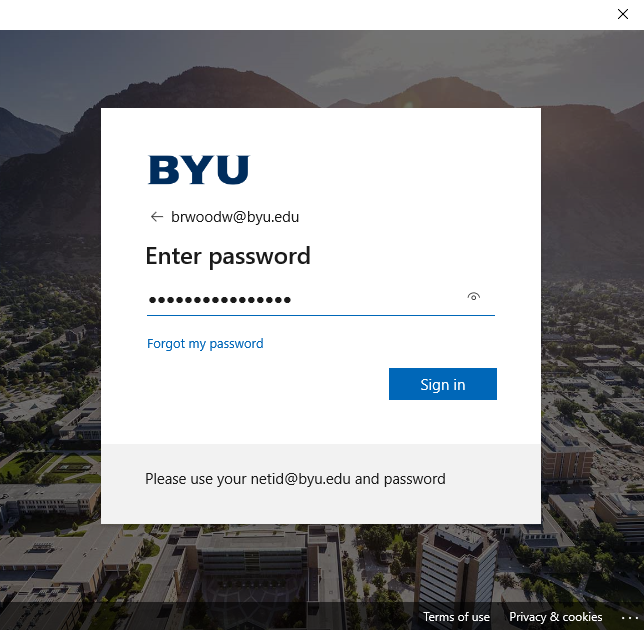
Enter their NetID@byu.edu.

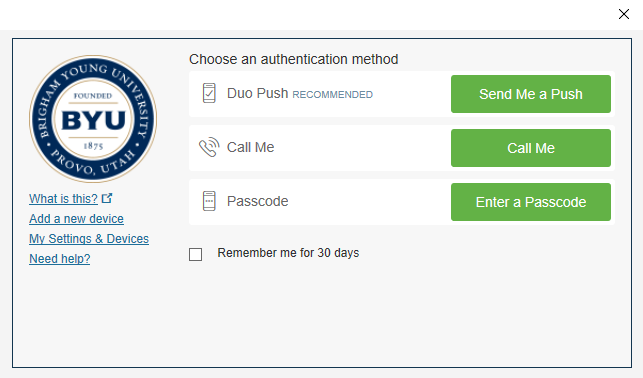
Have them enter their password and then DUO authentication.
You will be taken back to the original screen where you are asked for a password. Don’t type in a password! Don’t worry you are making progress. Click on “Sign in with an other account” again.
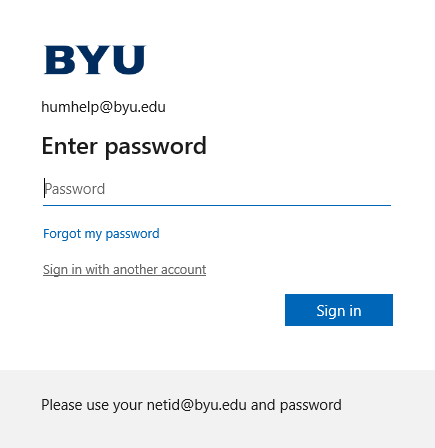
This time it will have a button with their NetID that you can push.

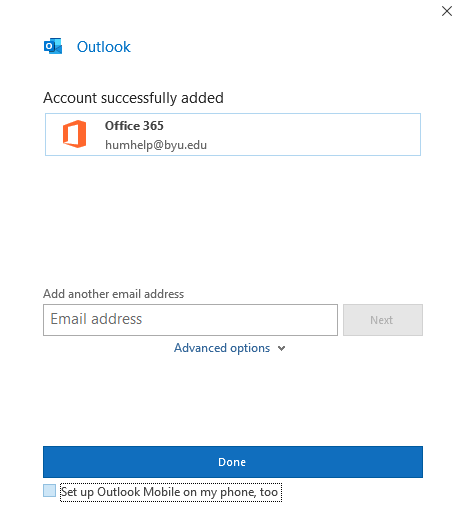
Click done.
If the department secretary shares a calendar with the group this can be done by having the department secretary share the calendar with the new email address that was created for the student, i.e. brad1234@byu.edu. Check for the email on the students account and accept the invite.