For faculty and full-time staff email set up is pretty straight-forward. The following instructions have Office 365 installed.
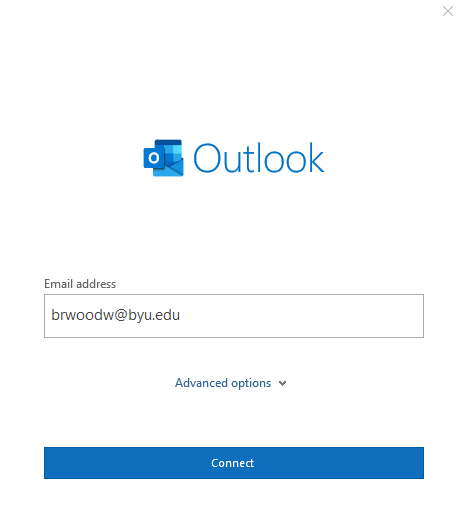
When Outlook asks for an email address have them enter their NetID@byu.edu.
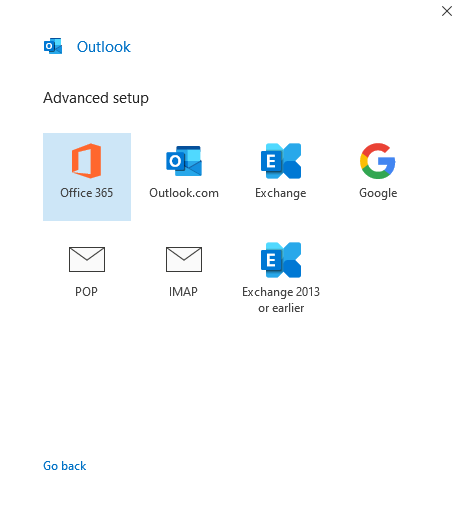
Select either Office 365 or Exchange.
If they signed into their computer with their NetID it will skip the account verification and will prompt for DUO authentication.

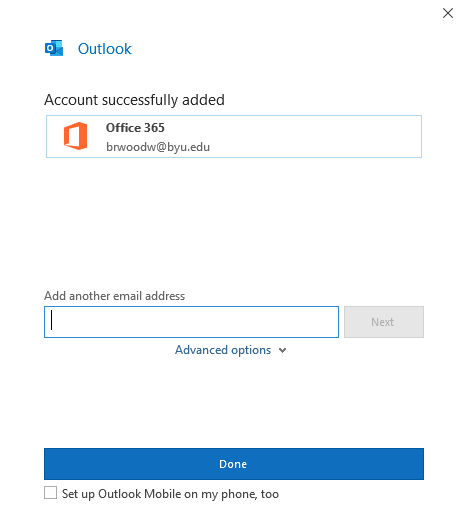
Unless there is a second account to set up, click done. If there is a shared account that they will also need access to follow the steps given in Shared Email Setup in Outlook.